
How Traffic Warrants Work in Pecos County
A traffic case starts with the court named on the citation. If a required appearance or payment is missed, the court may issue a failure-to-appear order, arrest warrant, or capias pro fine depending on the case and judgment. The exact sequence is set by the issuing court and applicable law.
A court warrant, a fine balance, and a DPS FTA/FTP hold are related but separate records. This page follows the court case and the steps to ask about payment, appearance, or recall.
Pecos County Traffic Warrants Follow the Named JP
JP1 and JP3 are separate nCourt jurisdictions. Each accepts a citation/ticket number or a case/cause number, but a search in one does not check the other. JP1 is the Fort Stockton precinct; JP3 serves the Iraan area. Read the citation before using either portal.
The JP1 nCourt page shows its citation and case search route.
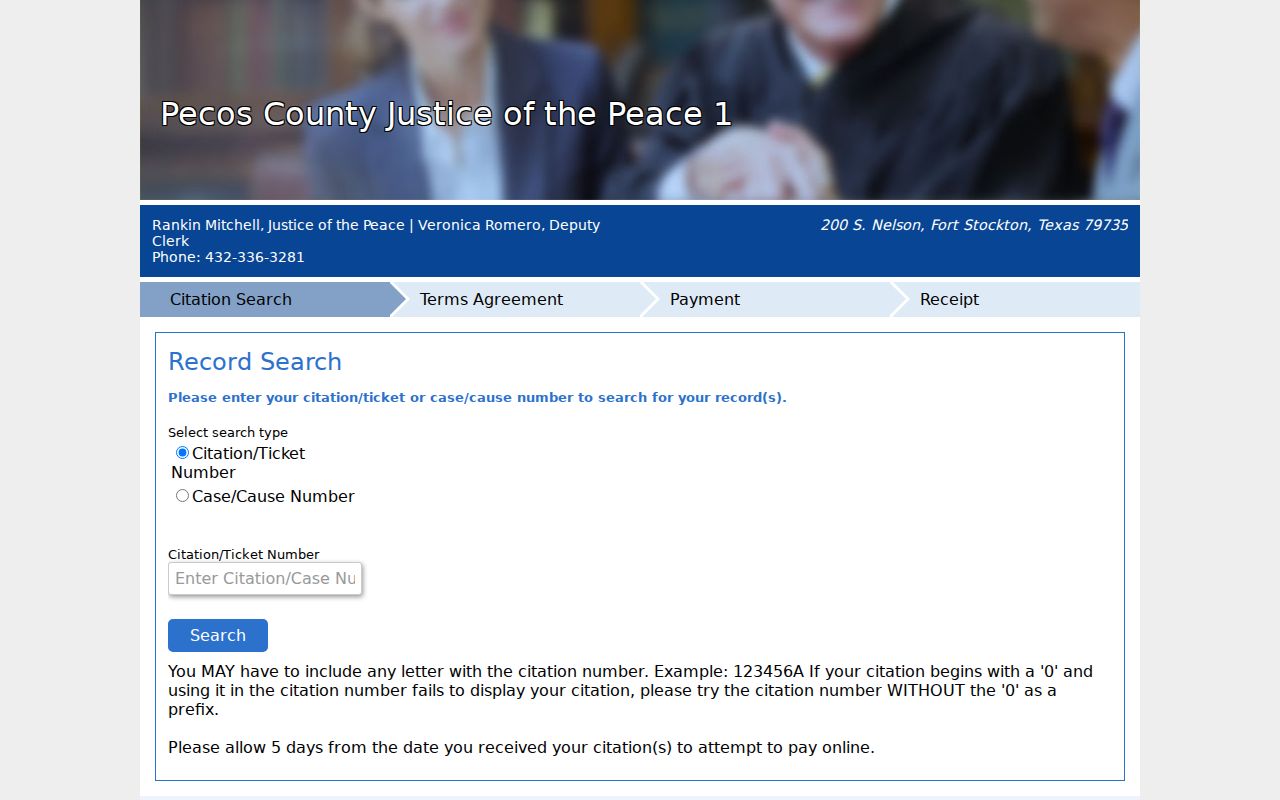
Use this portal only for the JP1 case shown on the citation.
The JP3 nCourt page is the separate Iraan-area court route.
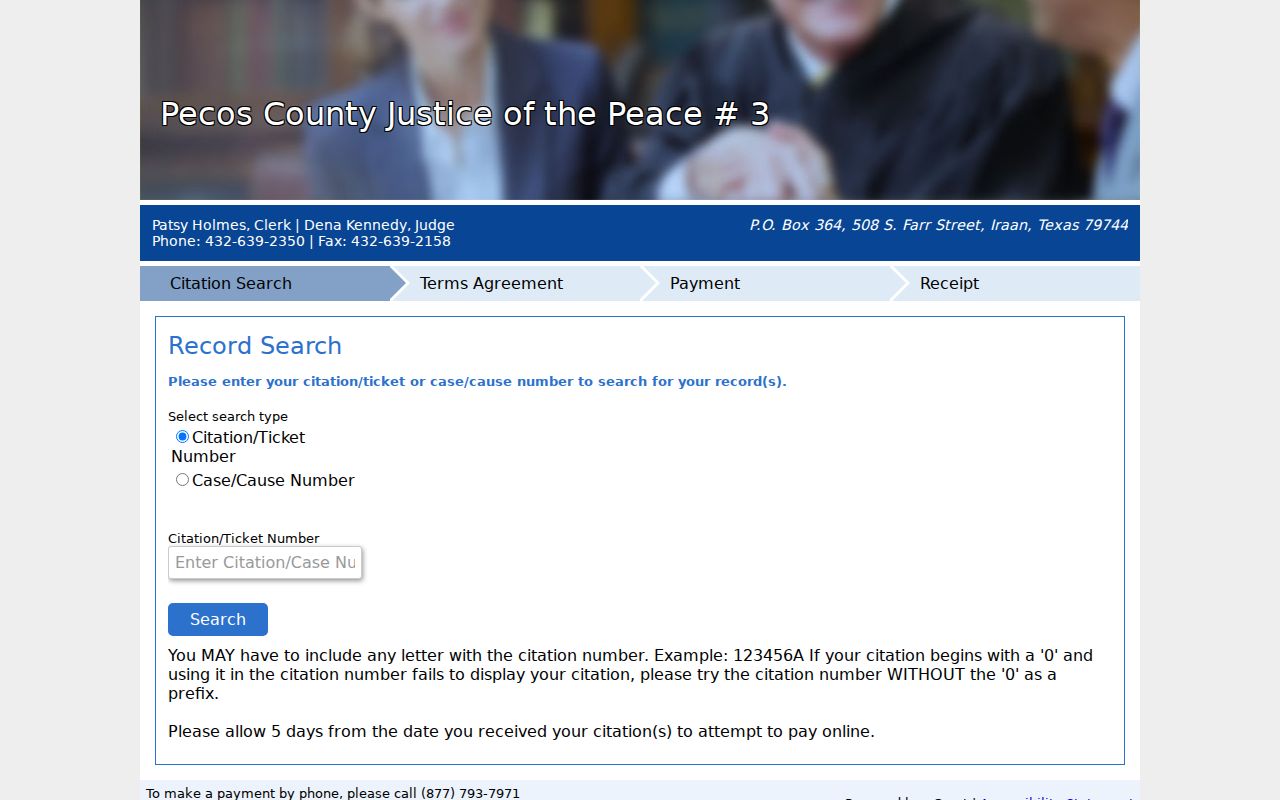
JP3 results do not confirm an Iraan Municipal Court case.
Pecos County Traffic Warrant Checks
Use the court named on the citation. JP1 and JP3 offer nCourt citation or case searches, and Fort Stockton Municipal Court uses its Tyler service. JP4 in Imperial, JP6 in Sheffield, and Iraan Municipal Court had no verified public citation or warrant interface in the reviewed sources. Call those courts directly.
For a known file, ask the clerk whether it is an FTA, arrest warrant, or capias pro fine; whether payment is enough; and what document proves the next step. The sheriff’s public number is for routing and service questions, not a dedicated traffic-warrant line.
- Read the citation for the court and the citation or cause number.
- Search JP1, JP3, or Fort Stockton only when that court issued the ticket.
- Call JP4, JP6, or Iraan Municipal Court when no public portal is listed.
- Check the Texas FTA tool separately if the question concerns a reported traffic hold.
- Ask the issuing clerk what payment, appearance, hardship, or recall step applies.
Fort Stockton Traffic Warrants Use City Fields
Fort Stockton Municipal Online Services accepts a citation number with date of birth, driver-license number and state, Social Security number, plate and state, first and last name, or a business name. It is a city citation/payment service, not a full county warrant index. The city page lists the clerk at (432) 336-8525, extension 112.
When a city citation appears, ask the municipal clerk whether the screen shows the full court action or only the balance and payment route.
Pecos County Traffic Warrants: What They Show
Pecos County does not publish a sample traffic warrant or local warrant-number format. A citation portal may show a citation, cause, balance, or receipt, which is not the same as a court’s confirmation that process was recalled. Keep each number and ask the clerk which one identifies the court file.
| Citation / cause | Use the number on the court notice; no local warrant format was published. |
|---|---|
| Violation or trigger | Traffic offense, missed appearance, or unpaid judgment. |
| Issuing court | JP1, JP3, JP4, JP6, Fort Stockton Municipal Court, or Iraan Municipal Court. |
| Balance or bond | Case-specific; no universal amount or county schedule was found. |
| Case action | Ask whether payment, appearance, recall, or another court order is needed. |
Pecos County JP Warrant Searches Have a Posting Delay
JP1 and JP3 nCourt pages advise allowing five days after a citation is issued before searching. They also note that leading zeroes or the full letter-and-number combination may be needed. A new ticket that is not yet visible should be checked with the issuing clerk, not treated as proof that no case exists.
Use the right jurisdiction and save the search result. If a case still does not appear, call the court named on the notice with the citation details.
Pecos County Traffic Warrants Need a Precinct-Specific Search
JP1 and JP3 offer online citation and case searches, but JP4 in Imperial and JP6 in Sheffield did not have a verified public lookup interface in the reviewed sources. A ticket from either precinct should be taken to the court named on the paper; do not switch precincts because a search box is easier to use. The county's direct directory contacts are JP4 at (432) 536-2358 and JP6 at (432) 836-4449.
The available pages do not set a universal fine, recall fee, or same-day update schedule. Ask the clerk which identifier to provide and what record confirms payment or a new court date.
Clearing a Pecos County Traffic Warrant
Call the issuing court before sending money or appearing in person. Ask whether a payment plan, new setting, hardship option, voluntary appearance, bond, or recall order applies. JP1 and JP3 nCourt and the Fort Stockton Tyler service can accept qualifying payments, but the reviewed sources do not promise automatic same-day recall.
- Confirm the court, citation/cause number, and whether the matter is a warrant or capias pro fine.
- Ask the clerk whether payment, a plan, a hardship hearing, or an appearance is required.
- Save the receipt or order and ask when the court record will reflect the action.
- If DPS shows an FTA/FTP hold, ask the reporting court when it will send compliance.
Warning: A payment receipt does not prove that every warrant or DPS report has changed; get confirmation from the issuing court.
Pecos County Traffic Warrant Payment Needs Clerk Confirmation
Online payment can create a receipt without answering whether a warrant was recalled, whether the case remains open, or whether a judge appearance is still required. Ask the court for its exact status wording and the next date. The county has not posted a guaranteed update time for court or DPS systems.
Pecos County Traffic Holds Are Not Warrant Lists
TexasFailureToAppear asks for a Texas driver-license number and date of birth, then checks certain court-reported FTA/FTP matters. It does not search every traffic warrant or criminal case. The reporting court remains the source for payment, appearance, or compliance instructions.
Use the Texas FTA status tool only for that limited question.
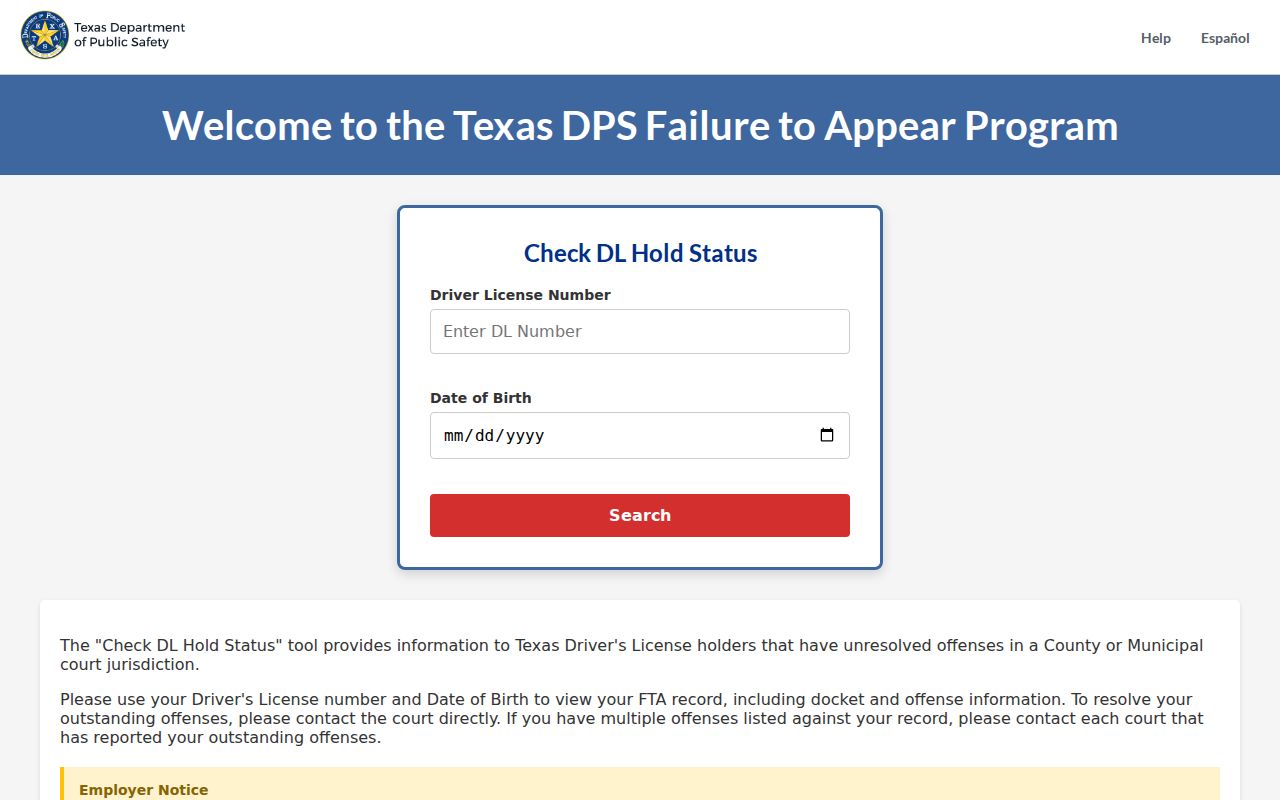
The screen is a traffic hold check, not a complete Pecos County warrant result.
Fort Stockton Traffic Warrant Searches Need a City-Court Check
Fort Stockton's Tyler municipal search accepts citation number with date of birth and also exposes license and state, Social Security number, plate and state, name, and business search fields. The portal posts weekday office hours of 8 a.m. to 5 p.m., closed noon to 1 p.m., with clerk questions routed to extensions 112 and 113. A field match is a way to find a city case, not proof that every city warrant is listed.
The city court page lists 116 W 2nd, while Tyler's office information displays 1712 N Front. Call before visiting. A Fort Stockton city ticket still belongs to municipal court even if a statewide traffic hold appears separately.
Pecos County Traffic Warrant Compliance Must Reach the Reporting Court
If the Texas DPS screen reports a hold, identify the court that reported the eligible traffic matter and ask what proof of compliance it needs. The court, not this website, controls the case instruction and is the source for a transmission or correction. Keep the receipt, order, or appearance record and ask when the court expects the state entry to reflect it.
A result in the DPS interface does not clear a separate arrest warrant, and paying a court balance does not by itself show that all systems have updated. Check each record with its own custodian.
Pecos County Traffic Warrant Search Needs the Full Ticket Number
For JP1 and JP3, enter the complete citation or case number as printed, including leading zeroes or letters. The nCourt notices advise allowing five days after issuance for a citation to post. If it remains missing, call the issuing precinct with the citation date rather than trying a different court's portal. A late posting or number-format mismatch can explain an empty screen without answering whether another warrant exists.
Save the result date with any receipt. A later payment or recall question should be checked against the court docket, since the original search page may not reflect every follow-up action.
How Pecos County Traffic Warrants Can Trigger License Holds
The DPS Failure to Appear/Failure to Pay program is a separate layer. Its public tool checks certain traffic reports with a Texas driver-license number and date of birth. A reported FTA/FTP hold is not a complete warrant search, and a court portal result is not a full account of a DPS report.
| Mechanism | What Triggers It | What It Does |
|---|---|---|
| Traffic warrant | Issued through a court case | Process tied to that case |
| Failure to appear/pay | Missed appearance or payment reported by court | May create a separate court or DPS consequence |
| FTA/FTP hold | Eligible traffic matter sent to the state program | May affect a Texas license renewal transaction |